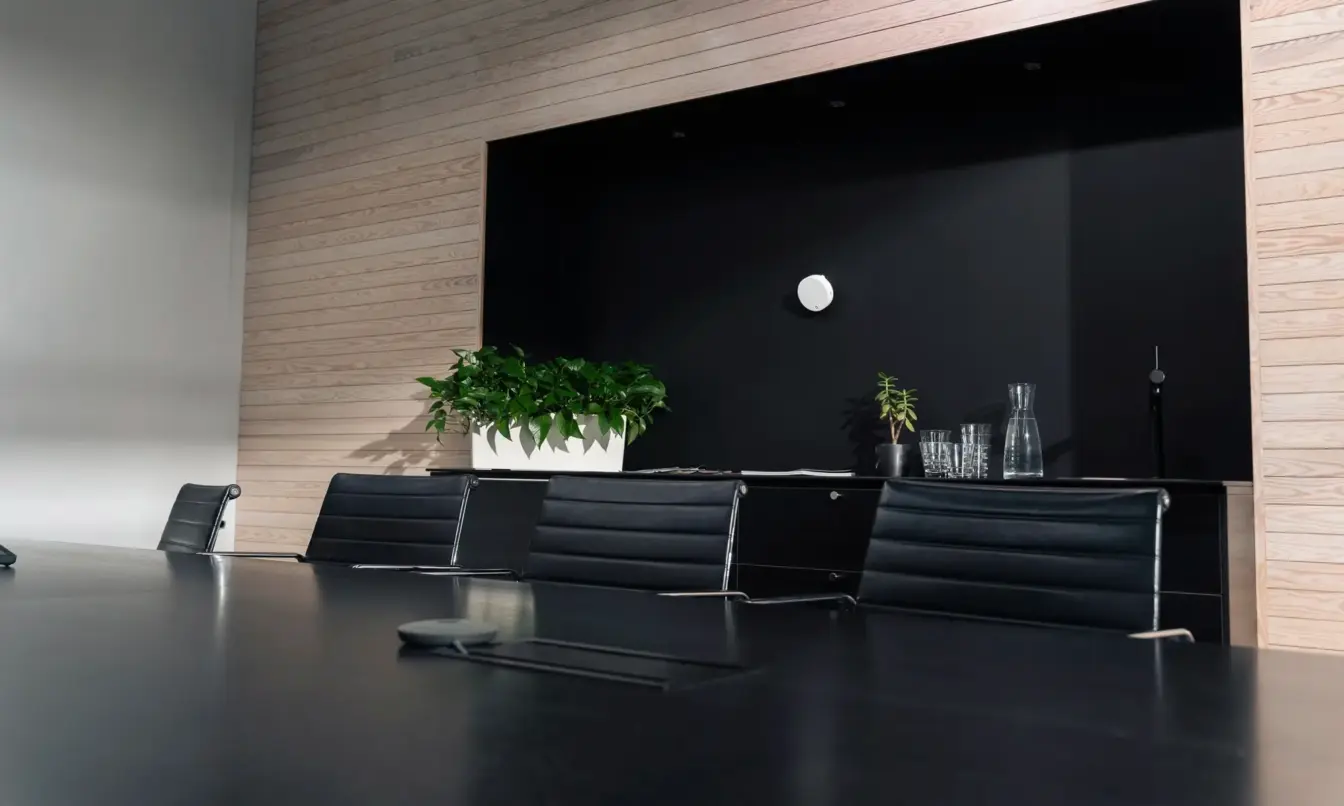
Framery ROOM sensor™
Gather usage data
from any space
Precise and anonymous occupancy data with people-counting technology.
framery room sensor
Design spaces for the real needs of your employees
Use privacy-safe people-counting data to see exactly how and when people use your office. Identify underutilized and misused spaces to make precise layout adjustments, effectively cutting costs and maximizing real estate ROI.

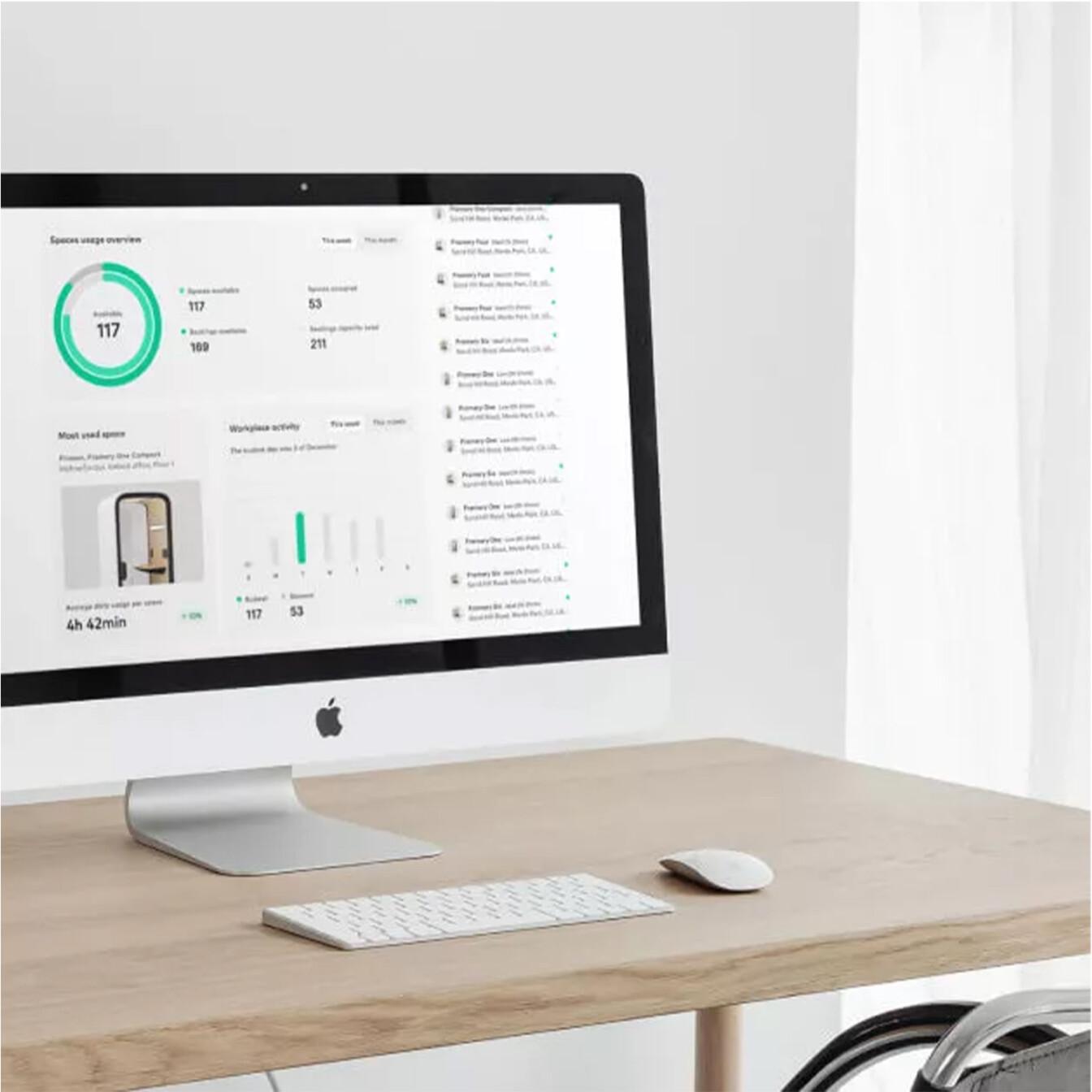
framery CONNECT
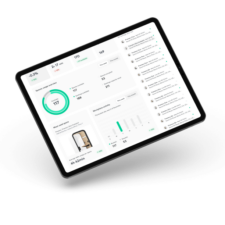
Actionable office data
Access intuitive visual data via Framery Connect, our workplace management platform, or export data for external reporting.
Right fit
Verify space design by confirming that occupancy aligns with intended room capacity plan.
Usage trends
Track utilization patterns and trends across all locations for a strategic overview.
Data-driven decisions
Identify and resolve availability shortages, capacity mismatches, and utilization issues using actual data.
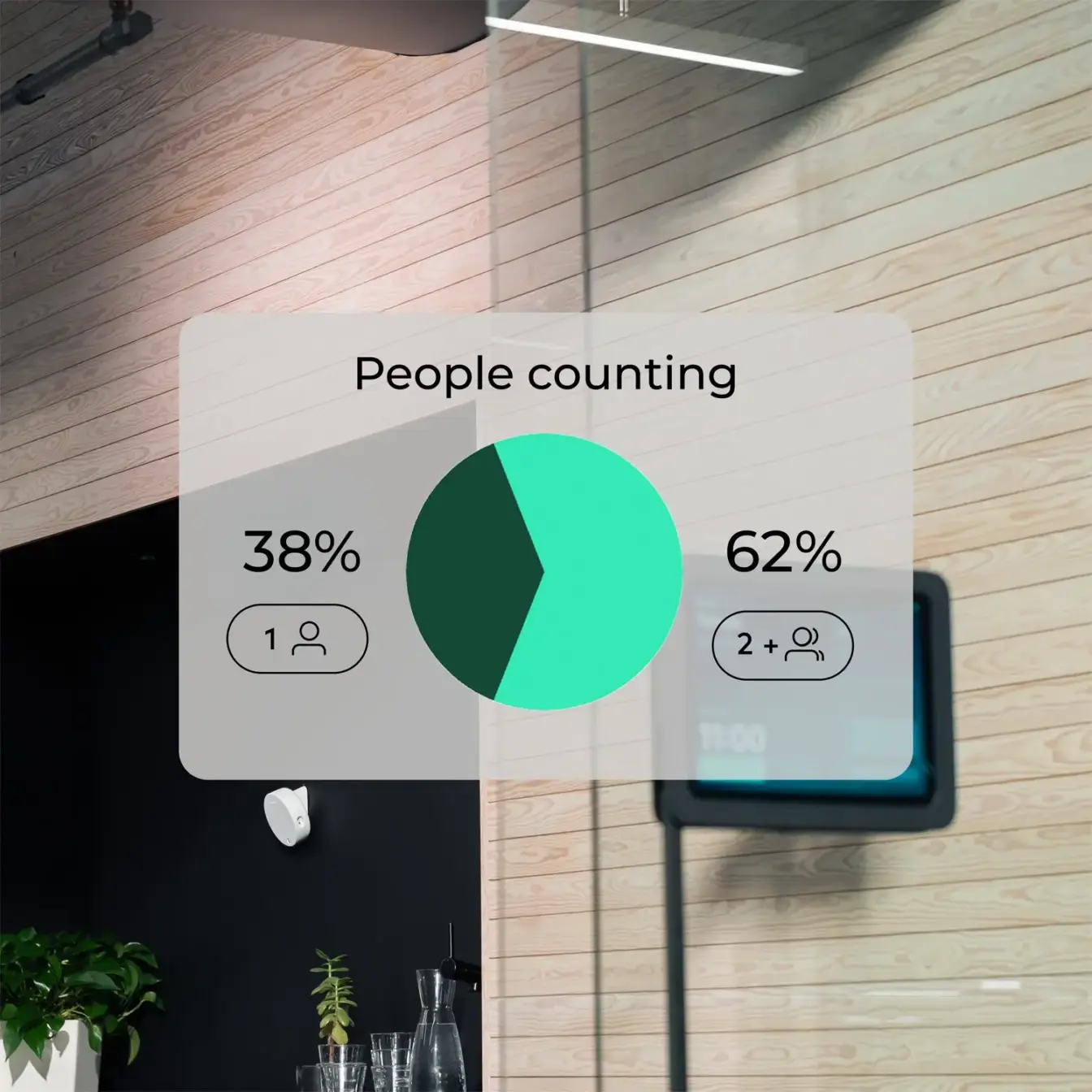
80% of the time, large meeting rooms are occupied
by fewer than three people.
Framery Room Sensor key features
Total privacy
Millimeter-wave technology enables fully anonymous data collection – without using any cameras or microphones.
Space efficiency metrics
Gain reliable metrics by sensing and counting occupants within the room to verify if spaces are being utilized as intended.
No-show meeting deletion
Connect with your company calendar for automatic room reservation and seamless release management.
Flexible powering options
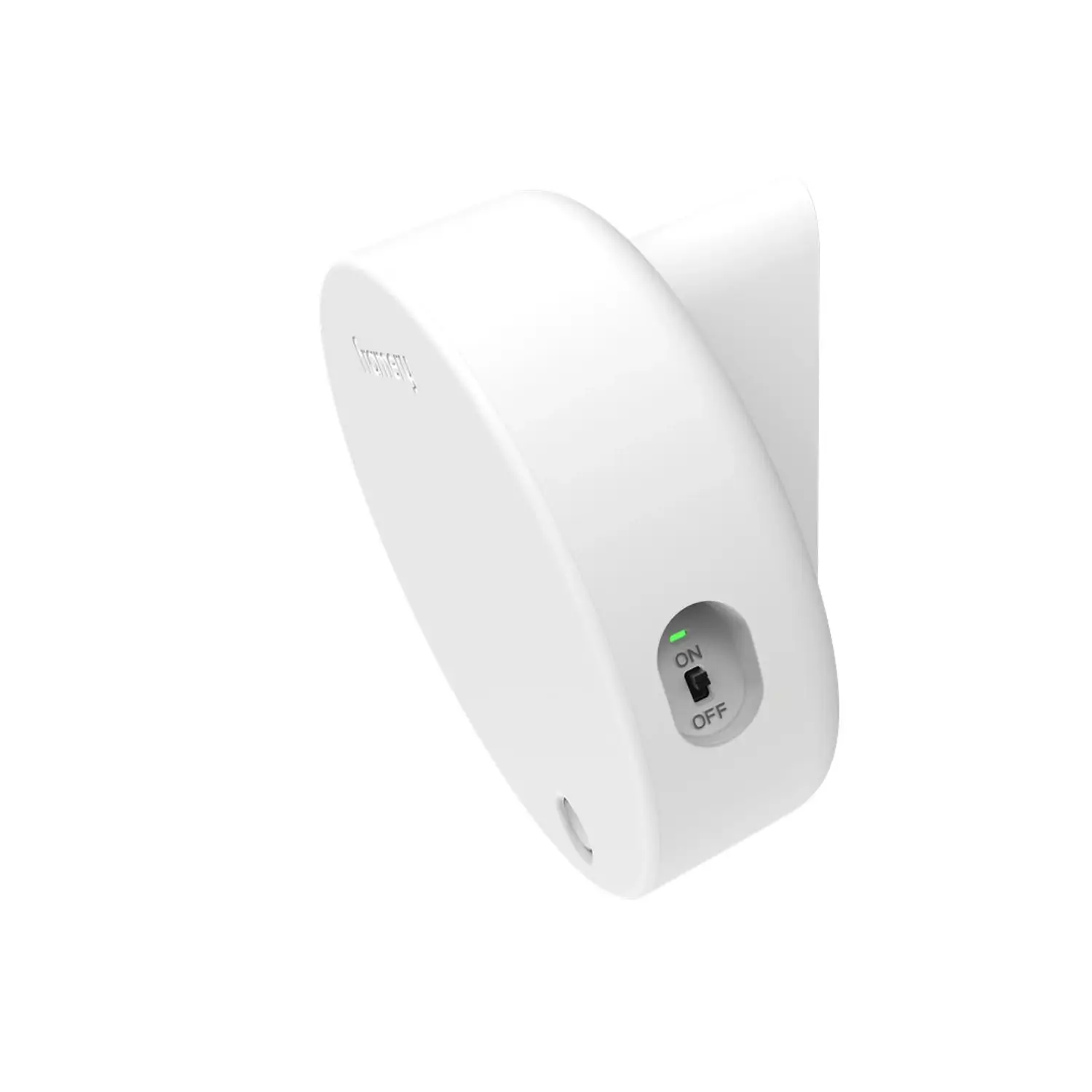
Supports both wireless power (battery) and continuous wired power via cable.
DATA DRIVEN DECISIONS
People counting
The people counting metric shows exactly how many people use a space per session. Understand whether a space is used as intended – or if it’s consistently over- or under-occupied. Identifying usage patterns helps you adjust your office layout and make workspace decisions based on how people actually use your spaces.
TECH SPECS
Tech specs at a glance
INSTALLATION
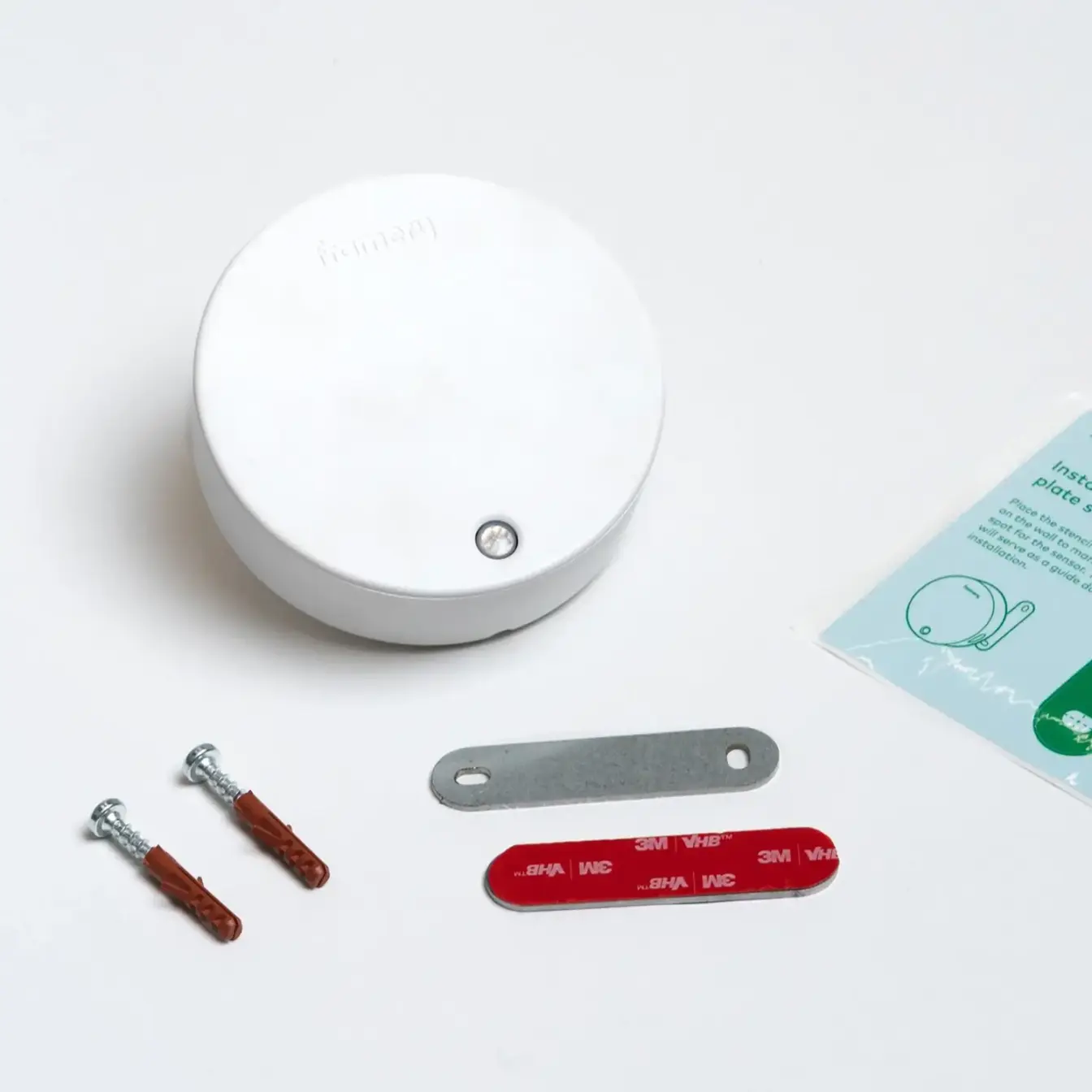
Smooth installation with magnetic mounting
Set up your Framery Room Sensor in Framery Connect, then install it using simple magnetic mounting: attach the magnet to the wall and place the sensor on it.
SMART OFFICE SOLUTIONS
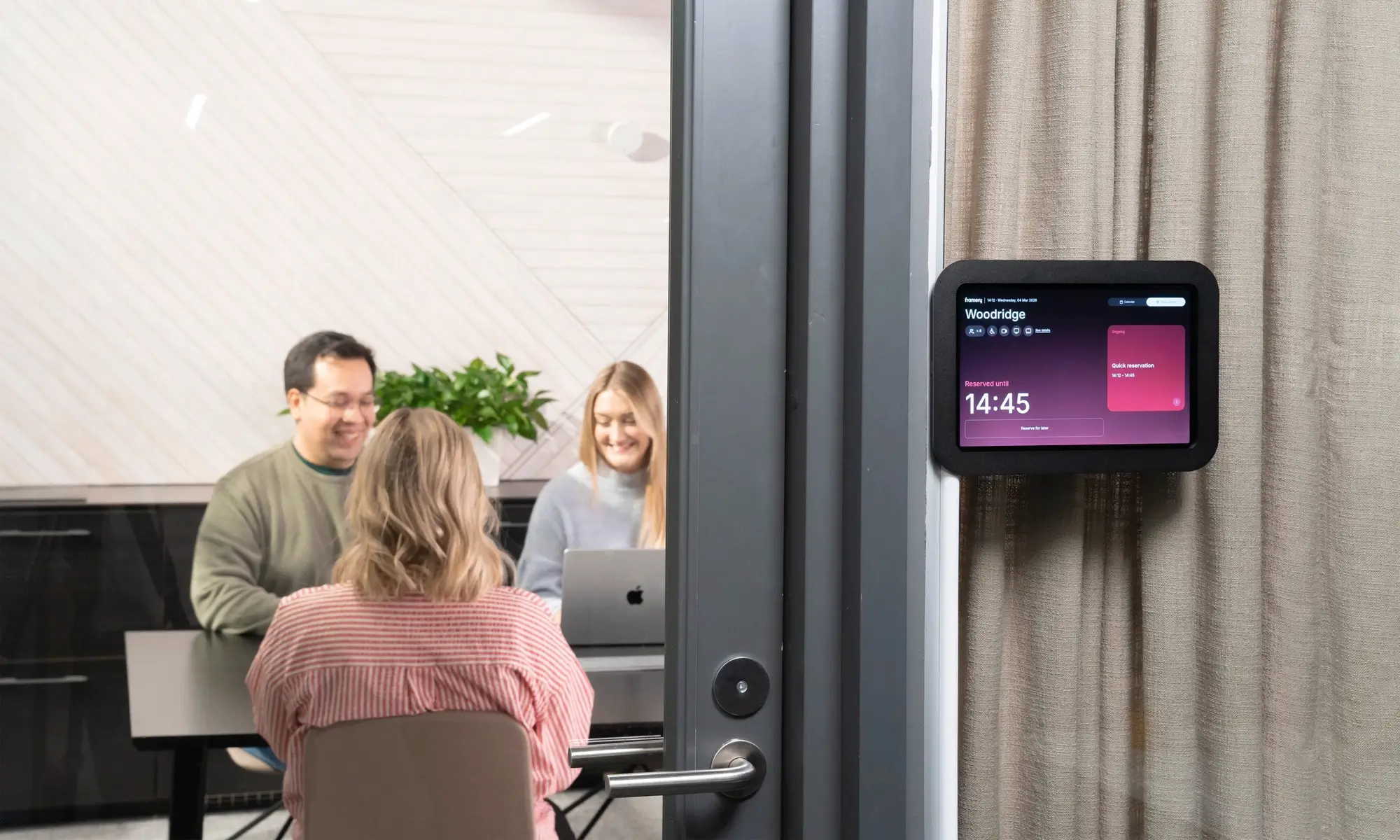
Combine presence sensor with room booking
Create a smooth and superior room booking experience with Framery’s booking solutions and the Framery Room Sensor.
Turn any office space into a smart workspace
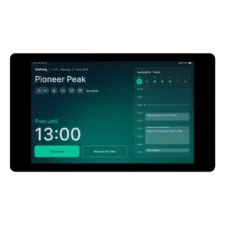
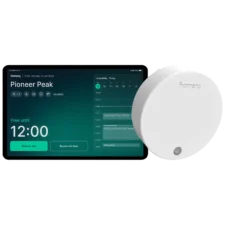
Make any room smart with the Framery Room Sensor and Framery Room Display. Not only will you get advanced occupancy insights, the system automatically reserves and releases spaces based on real-time usage. These updates are reflected instantly on both the Framery Room Display and your work calendar.

Add rooms to Framery Space Overview through the sensor
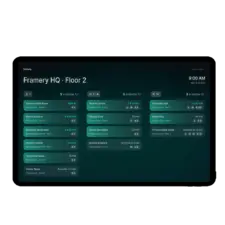
Framery Space Overview utilizes presence sensor data to show all available spaces connected via the Framery Room Sensor.

Find and book spaces with ease, anywhere
The Framery App is perfectly synced with the Framery Room Sensor, allowing you to find available spaces based on real-time occupancy data.


Secure collecting and handling of data
Framery Room Sensor respects employee privacy by gathering usage data without recording personal information.
Complete anonymity
Framery smart pods & the Framery Room Sensor gather anonymous occupancy data to measure when and how often spaces are used.
Privacy you can trust
Calendar events reserved in a smart pod are transferred into Framery’s system – but not stored permanently.
Security first
Framery is committed to the secure collecting and handling of data and protecting workplace privacy.
More about Framery Room Sensor
What is Framery Room Sensor™?
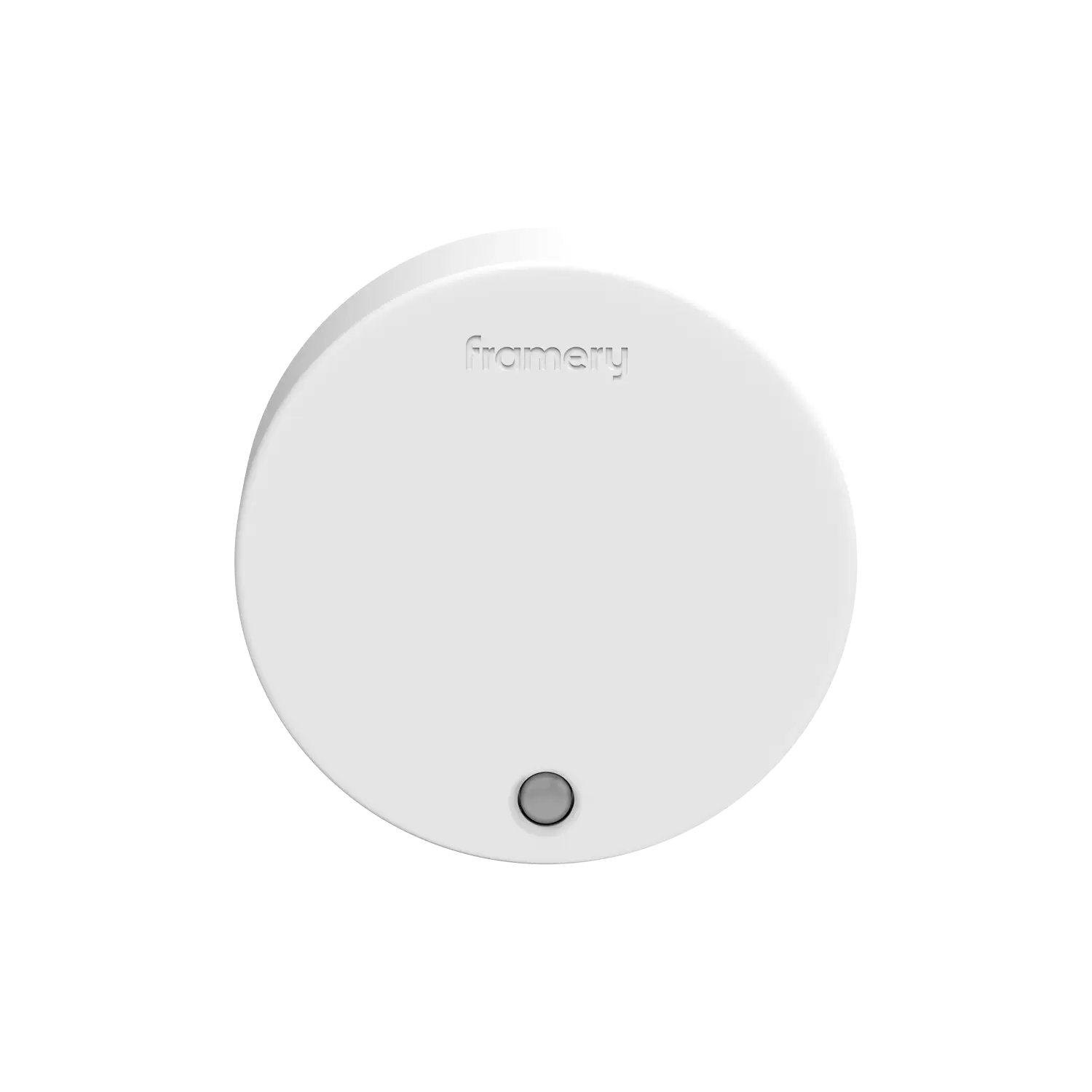
The Framery Room Sensor™ is a presence and occupancy sensor that utilizes people-counting technology to gather data while remaining entirely anonymous.
Where should I add Framery Room Sensor™?
Add the Framery Room Sensor™ to any meeting room or workspace you want to gather occupancy data from. Ensure there are no obstacles, such as desk dividers, blocking the sensor.
How much does Framery Room Sensor™ cost?
There is a one-time fee per each sensor but you would need also a subscription. There are zero startup costs and no hidden fees.
You can check the pricing here.
How is the Framery Room Sensor™ powered?
The Framery Room Sensor™ supports both wireless power (battery) and continuous wired power via cable.
What is the detection field of the Framery Room Sensor™?
The dual-sensor system includes a wake-up sensor (PIR sensor) and a detection sensor (millimeter-wave radar).
Wake-up technology (PIR sensor)
Distance: 5 meters.
Field-of-View: 90 degrees
Detection technology (millimeter wave radar)
Distance: Maximum 10 meters, with the most reliable detection at 7-8 meters.
Field-of-View: 140 degrees.
What kind of data does Framery Room Sensor™ gather?
The Framery Room Sensor™ gathers anonymous occupancy data to measure when and how often spaces are used, as well as the number of people present (up to 7 people).
Read more:
People counting
Framery security and compliance
How does Framery Room Sensor™ gather data?
The Framery Room Sensor™ utilizes a PIR sensor for wakeup and millimeter wave technology for data gathering. No cameras or microphones are used in the process, and all data is completely anonymous.
Read more about Framery security and compliance.
How is the Framery Room Sensor™ connected?
The Framery Room Sensor™ is connected through 4G.
Can Framery Room Sensor™ be connected through Wi-Fi?
No, it can not be connected through Wi-Fi.
Can I connect Framery data to my existing workplace tools?
Absolutely, though it requires a custom build. We offer an open API so your developers can create tailored integrations between your smart pods or room sensors and your preferred workplace systems. To see what your team can build, check out the documentation at developers.framery.com.
Is there an API available?
Yes. We offer a public API designed for custom integrations. While we don’t provide ready-made plugins for third-party software, your development team can use our API to build tailored solutions that connect Framery data to your preferred workplace tools. Full documentation is available at developers.framery.com.
Pricing
Framery Room Sensor requires a one-time hardware fee and a subscription. There are zero startup costs and no hidden fees.
SUBSCRIPTION STARTING FROM
per connected space / month
Includes Occupancy data API for data sharing