Framery ROOM DISPLAY™
A room booking system for every meeting space
See the availability of any space and make an instant booking.
Framery Room Display
Book any room with ease
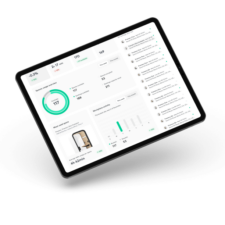
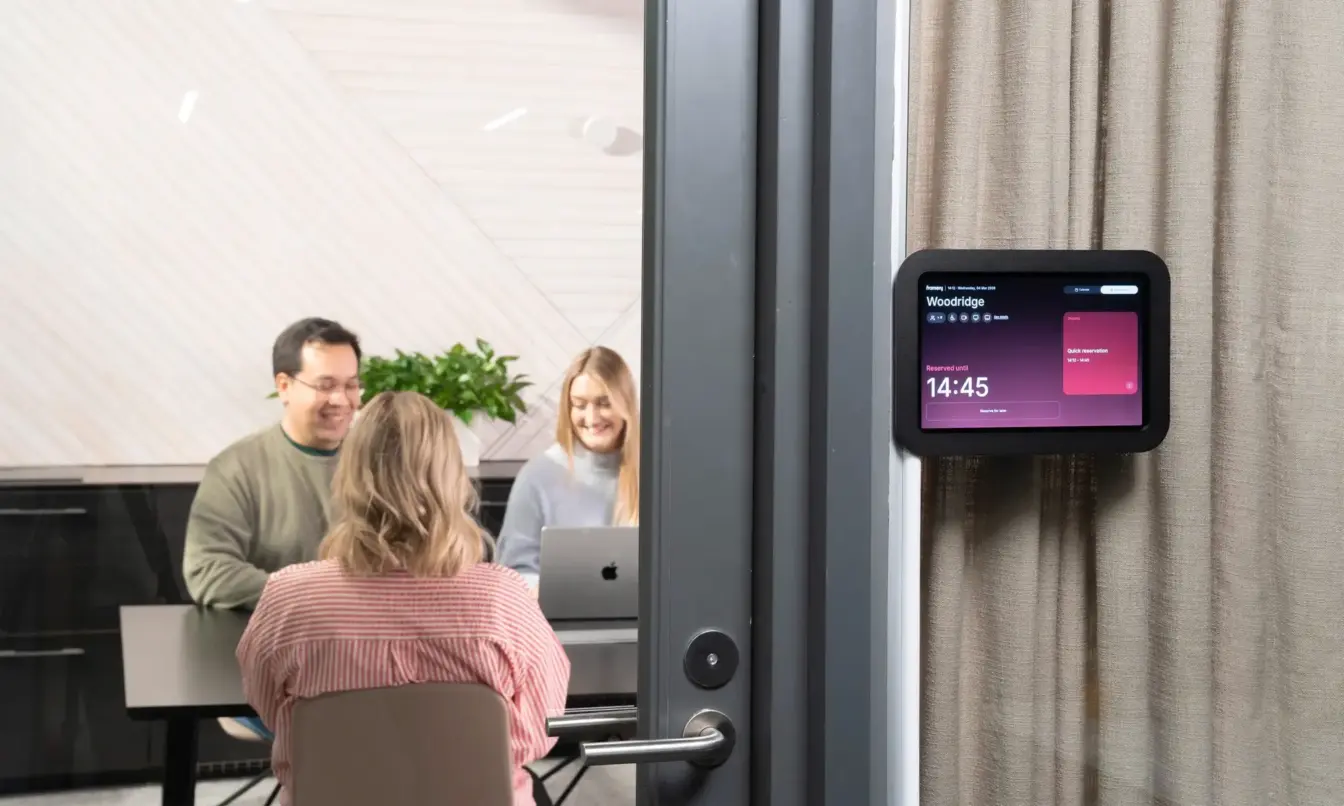
The Framery Room Display is an intuitive, meeting room booking system that shows real-time availability for Framery pods and office spaces. Reserve, view, and adjust bookings for boardrooms, conference rooms, office booths and pods, and any other meeting space – directly on the spot.
Seamless and smart meeting room booking experience for every office.
Framery Room Display key features
Effortless setup
Enjoy quick and easy installation and setup without programming. Set everything up with your preferred hardware and continue working with your team’s current calendar system.
Always up-to-date
Enjoy zero maintenance with automatic software updates. We handle everything behind the scenes, so you can focus on what matters most.
For all sizes and devices
The responsive user interface scales to fit most used tablet sizes. Optimized for 10″ screens. Use your own preferred device or acquire the right accessories from Framery.
Synchronized calendars
The Framery Room Display is in perfect sync with the work calendars, Framery App and Framery smart pods, showing always the real-time availability.
SMART FEATURES
Room booking made easy
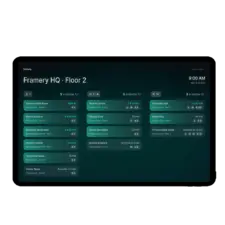
See meeting room availability instantly
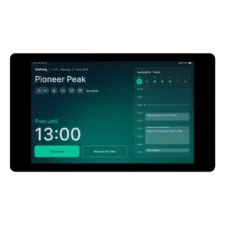
Quickly view the current status, upcoming availability, and scheduled bookings for next two weeks. Seamless calendar integration connects work calendars with the space, instantly displaying personal space bookings.
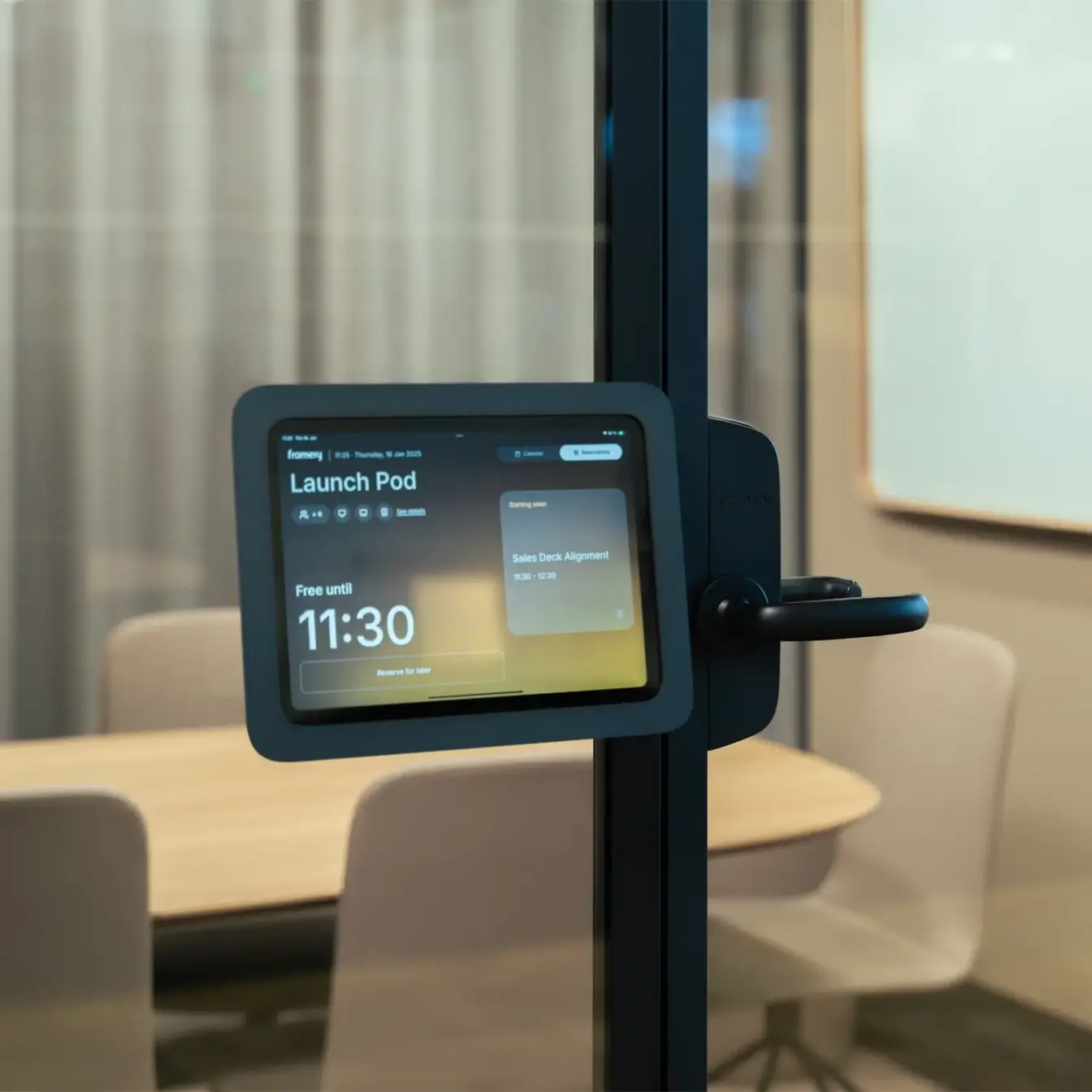
Book on the spot
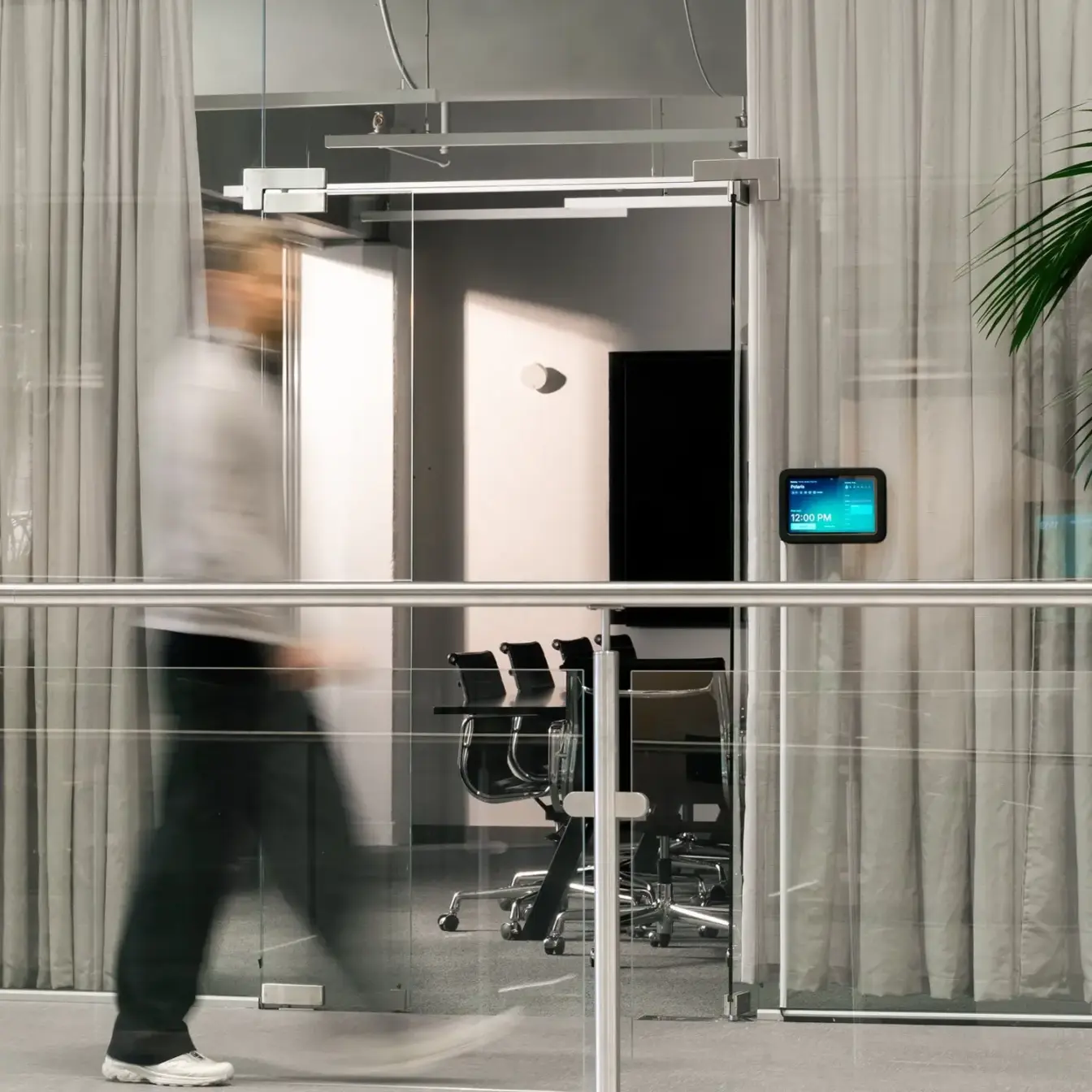
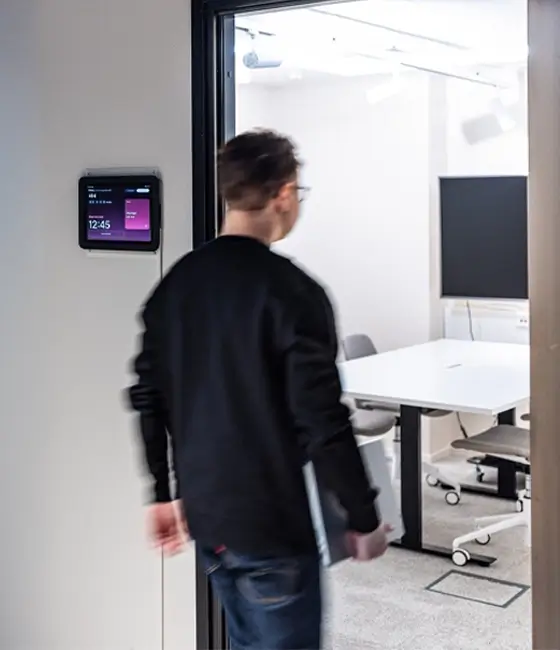
Make and adjust reservations directly from the mounted display panel – inside or outside of the space. The display can be placed both inside and outside of meeting space for easy access to reservation details and a customized booking experience.
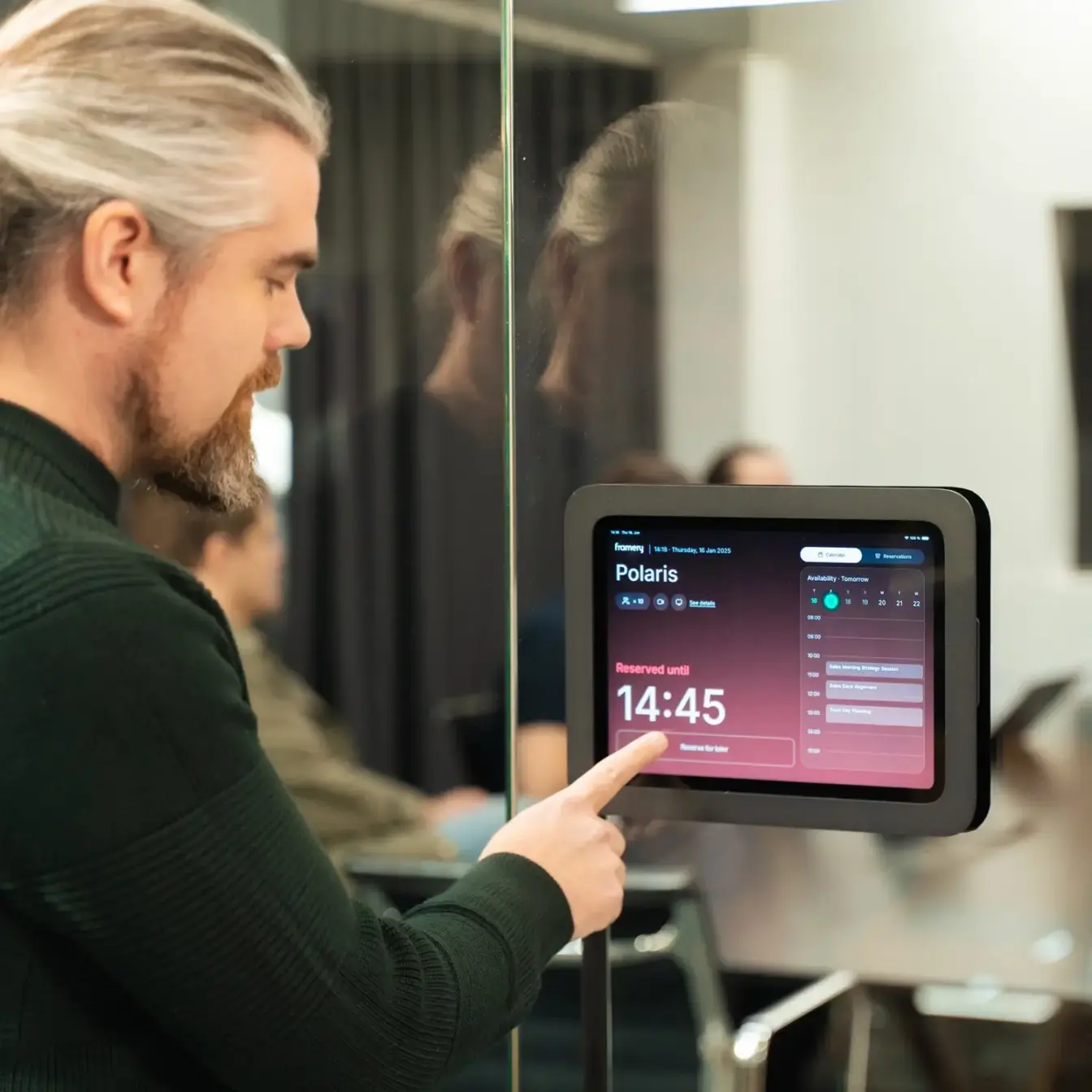
User-friendly booking
Forget complicated room booking systems. Our user-friendly interface is so intuitive, it practically guides you through making a reservation.
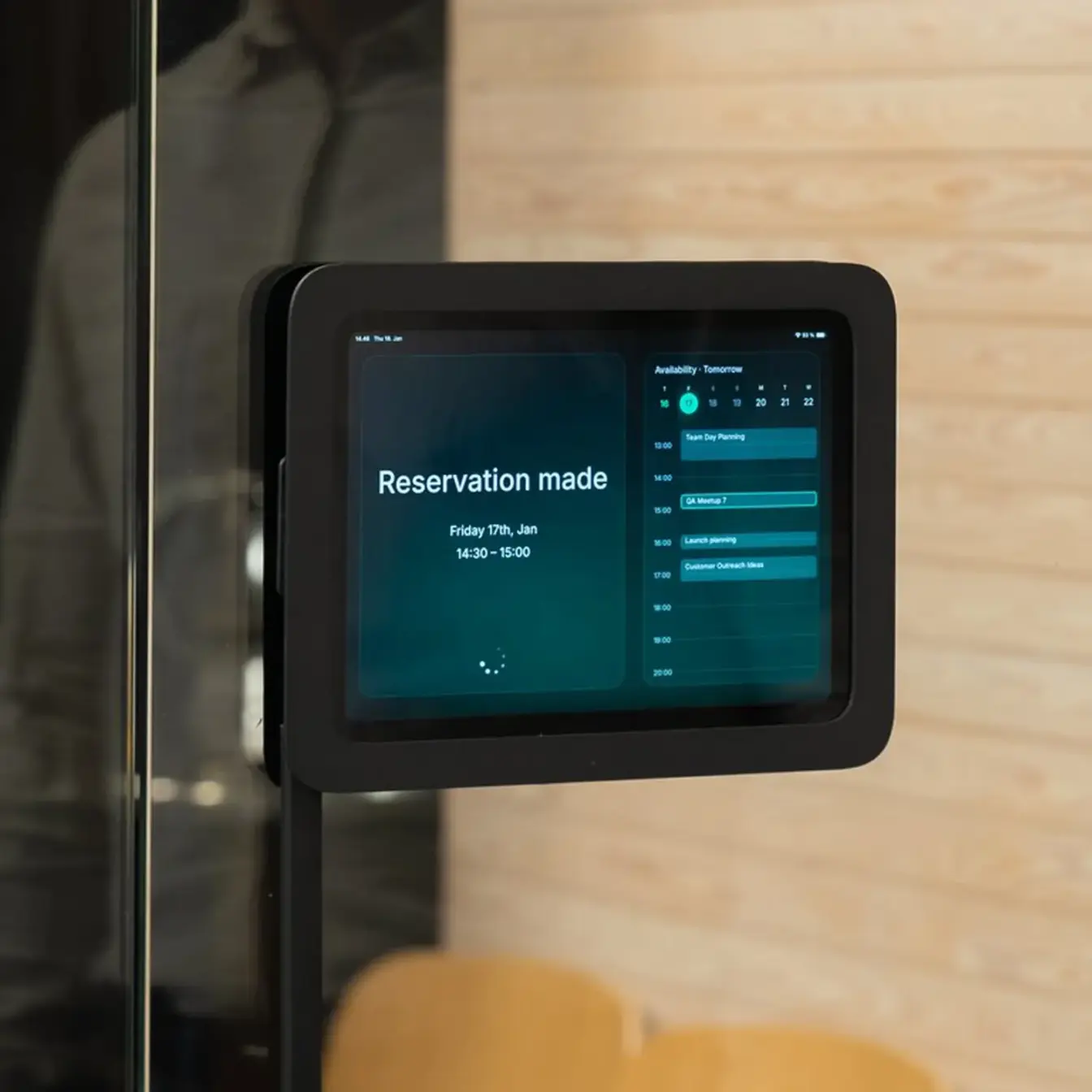
Room status at-a-glance
A color-coded system shows space availability at a distance – making it easy to find and claim the right space quickly. See whether the space is vacant, a reservation is about to start, or if it’s occupied.
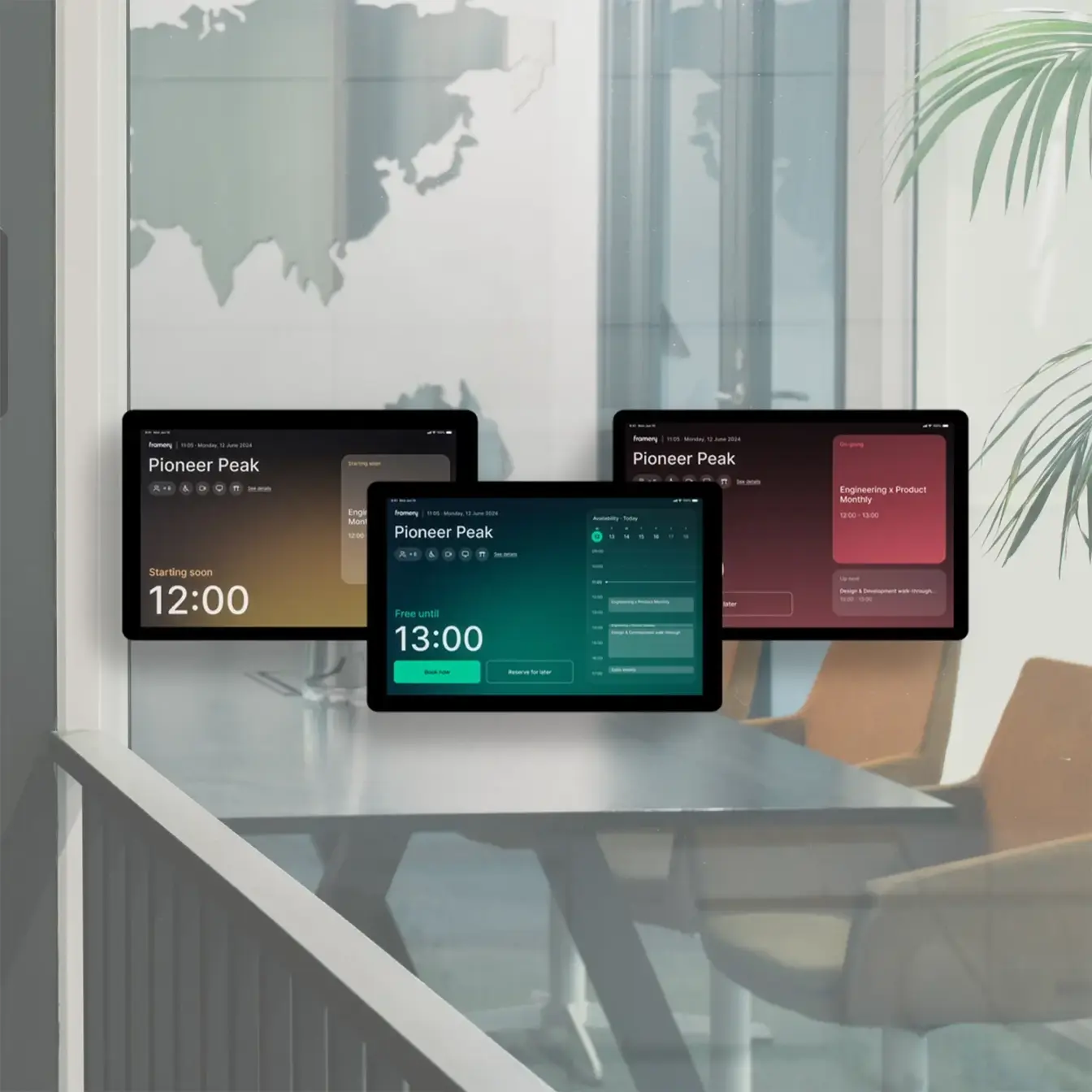
Turn any office space into a smart workspace
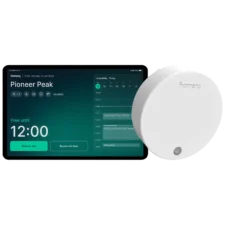
Make any room smart with the Framery Room Sensor and Framery Room Display. Not only will you get advanced occupancy insights, the system automatically reserves and releases spaces based on real-time usage. These updates are reflected instantly on both the Framery Room Display and your work calendar.
SMART OFFICE DEVICES
Framery’s device and mounting options
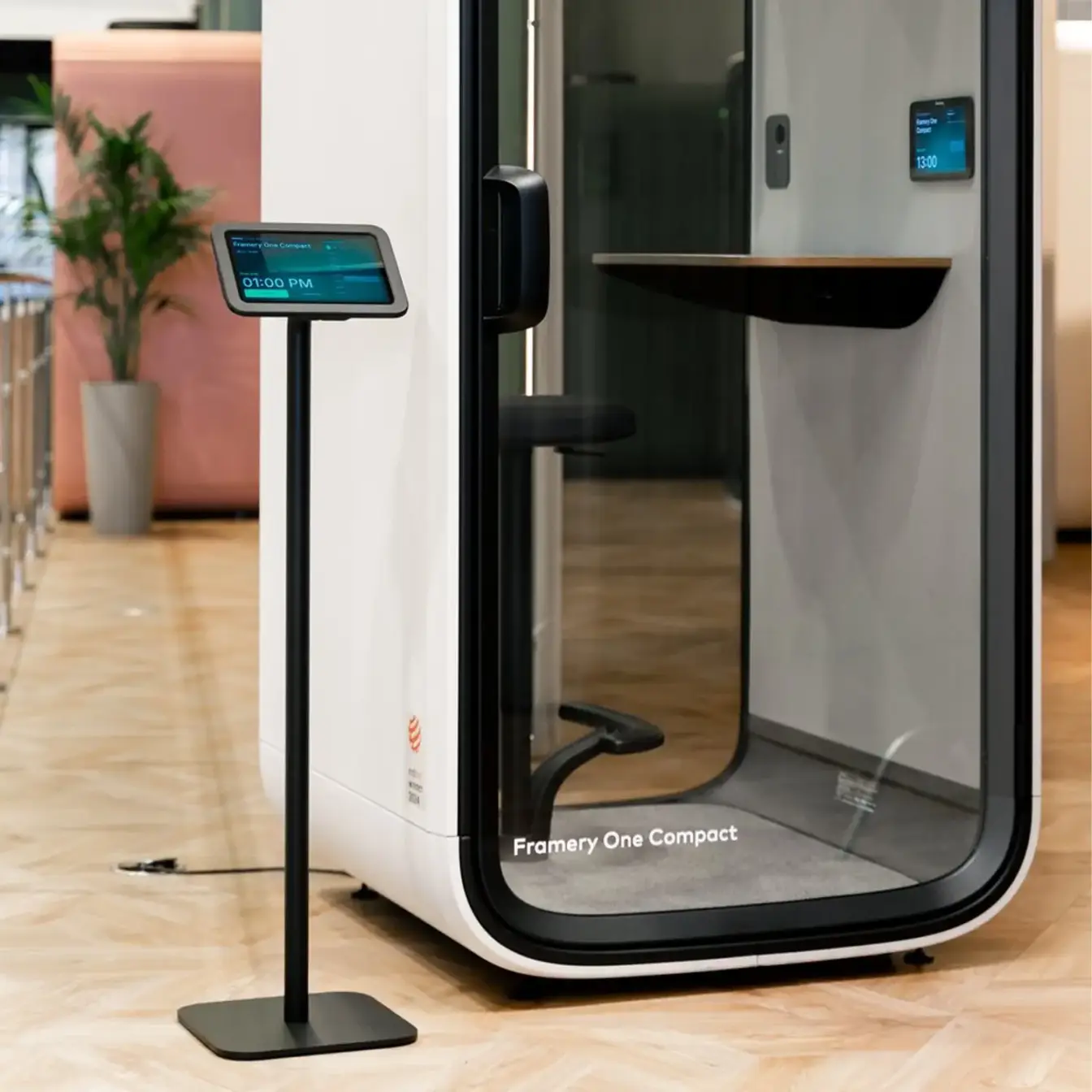
The Framery Room Display is designed to run on a variety of devices. While you may use your own preferred tablet and accessories, Framery offers high-quality optional mounting solutions, including a Lenovo 10.1” touch display for a complete system.
Pricing
Choose between a standalone Framery Room Display license or our all-inclusive Plus subscription.
Trusted by over 70% of Forbes Top 100 companies









questions?
Learn more about Framery Room Display
Does Framery Room Display include both a booking software and a tablet?
The Framery Room Display is a room booking software, leaving you with the selection and acquisition of the hardware. The Framery Room Display is designed to run on a variety of devices.
Framery offers high-quality optional mounting solutions (for example, a wall mounting and portable floor stand), including a Lenovo 10.1” touch display for a complete system.
You may also use your own preferred tablet and accessories. The software is compatible with most tablets and mounting hardware as the responsive user interface scales with different display sizes. Read more about supported devices.
How much does Framery Room Display cost?
Choose between a standalone Framery Room Display license or our all-inclusive smart office solutions subscription. Read more about the pricing here.
Is it easy to set up Framery Room Display?
It is relatively simple, especially if you have already a calendar integration in place through Framery Connect.
Setting up Framery Room Display takes only a few steps when you have the display ready for the set-up. You only need to download the Framery Room Display application on your device and pair it with the desired space through Framery Connect.
We provide step-by-step guidelines how to do the set-up and our Customer Success team can also assist if help is needed.
What kind of tablets or displays are suitable for Framery Room Display?
The Framery Room Display works perfectly with Lenovo 10.1” touch display, provided by Framery.
It is also compatible with most general tablet brands e.g iPad and Samsung Galaxy. It has a responsive user interface that scales to fit most-used tablet sizes, though it is optimized for 10″ screens.
We can provide a list hardware options and detailed specifications for you.
What are the technical specifications of the accessories provided by Framery?
Choose the suitable mounting option for your Framery Room Display hardware from Framery’s smart office accessories. All the options come with a Lenovo 10.1” touch display (Android, 1920 x 1200, 400 nits).
Tablet with a wall mount
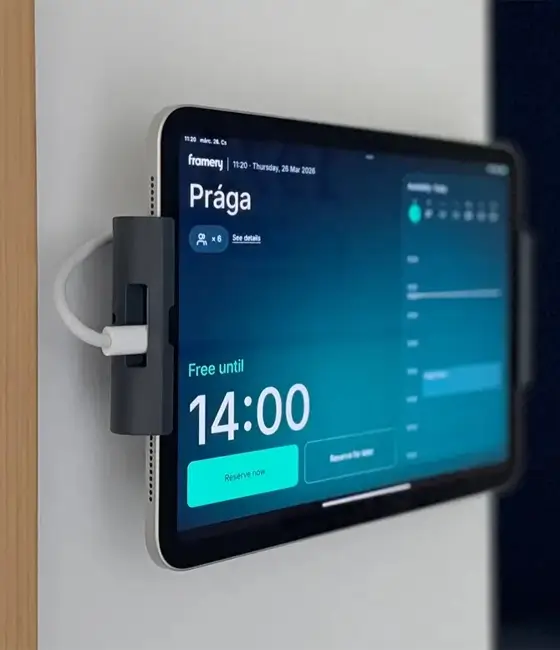
The wall mount is suitable for all surfaces. Includes an installation kit (mounting hardware and 3m / 10 ft cable channel) for quick setup and a USB-C cable (3m / 10 ft) with a charger. The wall mount is black, and the cable channel and USB-C cable are white.
Tablet with a floor stand
The operational height of the tablet on the floor stand is 110 cm / 43.3 in with a tilt angle. The powder coated matt steel floor stand is available in black. Includes also a USB-C cable (3m / 10 ft) with a charger. Please note the floor stand takes 1.5m / 5 ft of the cord length.
Tablet with a mount for Framery Four and Six
This custom-designed mount accommodates the display tablet and integrates seamlessly with Framery Four and Six pods. Includes also a USB-C cable (3m / 10 ft).
Can I place Framery Room Display on a Framery pod?
Yes, the Framery Room Display can be mounted on a Framery pod. It is particularly useful for the Framery Six meeting pod. We offer an optional exterior tablet mount that allows for easy installation on the front side of both Framery Four and Framery Six pods.
Does Framery Room Display work with other booking systems?
Framery Room Display synchronizes seamlessly with Microsoft 365 and Google Workspace company calendars. If you use a third-party calendar or booking system, it should work fine as long as it integrates with Microsoft or Google calendars.
CUSTOMER TESTIMONIALS
Here’s what customers say about us

”Complete calendar integration is immensely valuable. Our team can now book the exact space they need in advance, or quickly find a pod and walk in to reserve it immediately.”
Patrick Lee
Director • Datumstruct Solutions
“We can handle real-time bookings effortlessly with Framery Room Display.”
Ákos Gasztonyi
Digital Marketing Manager • GS1, Hungary
”The Room Display UI has a super clean design. And installation was a breeze.”
Timo Typpö
IT Administrator • Inderes