
framery space overview™
Instant space availability at a glance
See which spaces nearby are free right now.
Framery space overview
Effortless space discovery and reservation
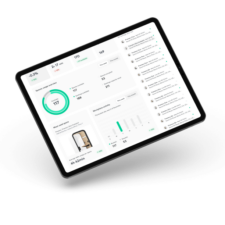
Framery Space Overview minimizes wasted time searching for available spaces and the software streamlines the booking process with convenient, on-screen reservation capabilities.
Position Framery Space Overview displays strategically to provide employees with immediate access to space availability information. Lobbies, hallways, break rooms, and passages are popular locations for the overview screens.
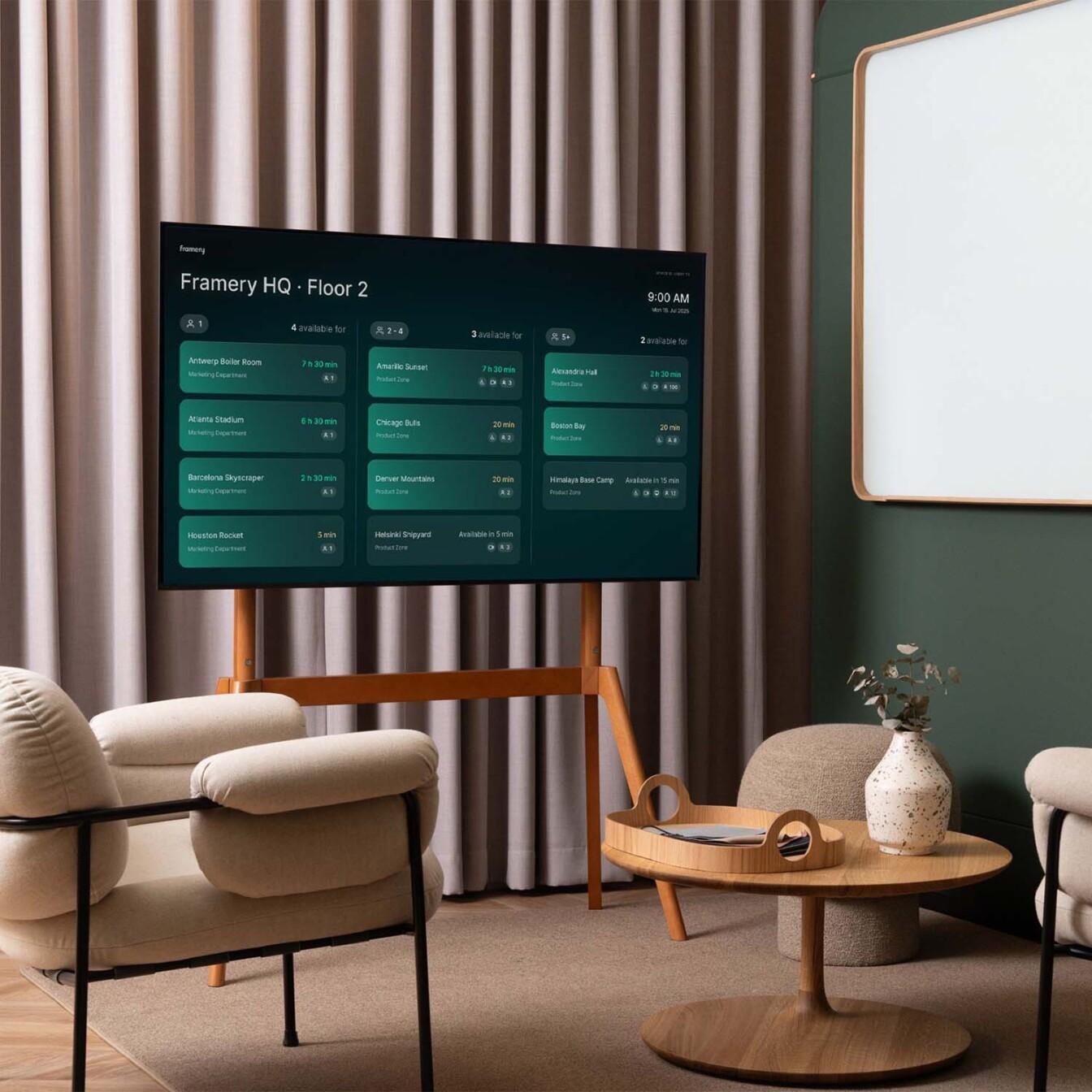

Simple and clear workspace overview for every employee.
Framery Space Overview key features
Effortless setup
Enjoy quick and easy installation and setup without programming. Set everything up with your preferred hardware and continue working with your team’s current calendar system.
Always up-to-date
Enjoy zero maintenance with automatic software updates. We handle everything behind the scenes, so you can focus on what matters most.
For all sizes and devices
The space overview software scales to different screen and tablet sizes to display the status of workspaces. Use your own preferred device or acquire the right accessories from Framery.
Synchronized calendars
Framery Space Overview is in perfect sync with the work calendars, Framery Room Display, and Framery App, showing always the real-time availability.
SMART FEATURES
Space availability at a glance
Quick access to office spaces ideal for your work needs
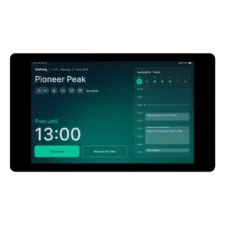
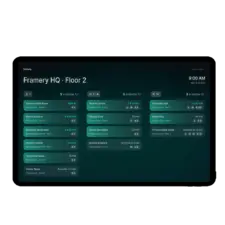
Intuitively identify suitable vacant workspaces with a clear overview of nearby spaces. In addition to color-coded availability, the overview screens provide essential details such as the space’s name, location, equipment, and capacity.

Multi-use software that scales to different sizes
The Framery Space Overview software adapts to various screen sizes, allowing you to select the ideal display for each purpose. Choose larger displays to maximize visibility of availability information in high-traffic areas. Smaller, reachable displays or tablets are optimal for enabling booking features.

Book spaces with Framery App
For added convenience, you can use the Framery App to book spaces, especially when the Framery Space Overview display is not directly accessible. The Framery App ensures you can reserve the space you need.

SMART OFFICE DEVICES
Portable Framery Space Overview display
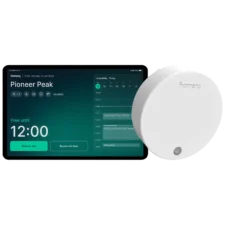
The Framery Space Overview is designed to run on a variety of devices. While you may use your own preferred tablet and accessories, Framery offers a portable floor stand with a 10.1” touch display for a complete system.

Pricing
Framery Space Overview requires a Plus subscription. There are no limits on the number of overview screens you can have, and there are no hidden or added costs.

Trusted by over 70% of Forbes Top 100 companies









questions?
Learn more about Framery Space Overview
Does Framery Space Overview include both the software and a display?
You can use almost any display with Framery Space Overview web application (software only). The Framery Space Overview is designed to run on a variety of devices.
Framery offers a high-quality optional portable floor stand, including a Lenovo 10.1” touch display for a complete system.
You may also use your own preferred tablets, TV or commercial displays. Read more about supported devices.
Can you make a booking through the display?
Yes, if your display has a touch feature.
Does Framery Space Overview work with booking systems?
Yes, it syncs seamlessly with Microsoft 365 and Google Workspace company calendars. If you use a different third-party calendar or booking system, it should work as long as it integrates with Microsoft or Google calendars.
How much does Framery Space Overview cost?
Framery Space Overview requires a Plus subscription. There are no limits on the number of overview screens you can have, and there are no hidden or added costs.
Read more about the pricing.
Is it easy to set up Framery Space Overview?
Yes, it is quite simple. Once your display is ready, setup involves just a few steps to pair the service with your screen via Framery Connect. We offer step-by-step guides, and our Customer Success team is always ready to help.
Read more about setting up Framery Space Overview
Where should I place Framery Space Overview displays?
We suggest placing Framery Space Overview displays in key areas to give employees quick access to space availability. Lobbies, hallways, break rooms, and passages are popular and effective locations.
What kind of tablets or displays are suitable for Framery Space Overview?
Framery offers a high-quality optional portable floor stand, including a Lenovo 10.1” touch display for a complete system.
You can also use your existing tablets, TV or commercial displays. This allows you to leverage your current hardware investments.
Framery Space Overview works with most common models of tablets, TV screens, monitors, and commercial displays. Framery Space Overview application is designed to scale to various screen sizes, from 13 to 65 inches. If the device on its own can not connect to the internet and run a Chromium-based web browser, you will need to connect it to a smart device that can, like a mini PC or Android box.
See the list of recommended hardware options and detailed specifications.
What are the technical specifications of the accessories provided by Framery?
Choose the suitable mounting option for your Framery Room Display hardware from Framery’s smart office accessories.
You can use your own preferred device for Framery Space Overview, or choose Framery’s portable floor stand. It comes with a Lenovo 10.1” touch display (Android, 1920 x 1200, 400 nits).
The operational height of the tablet on the floor stand is 110 cm / 43.3 in with a tilt angle. The powder coated matt steel floor stand is available in black. Includes also a USB-C cable (3m / 10 ft) with a charger. Please note the floor stand takes 1.5m / 5 ft of the cord length.
CUSTOMER TESTIMONIALS
What customers say about us

”We worked closely with Framery’s development team to get Space Overview running on our existing screens and digital signage system. It’s now an integral part of how we work here at CBRE Idea Lab.”
James Harvey
Co-Head of CBRE Idea Lab