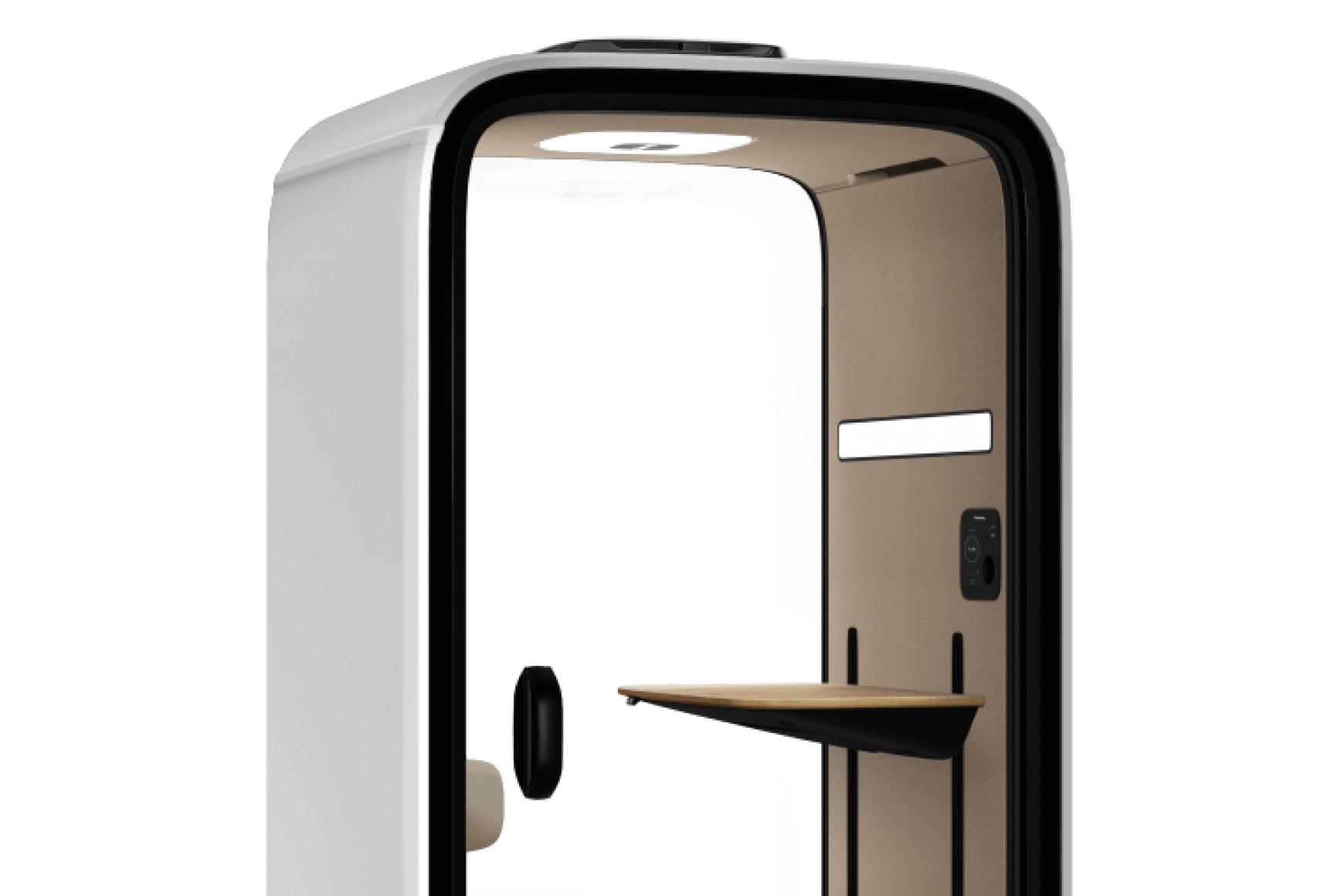

Agile meeting room booking ensures every employee can efficiently find and reserve the specific space they need. With a smart meeting room scheduling system, you can easily find and reserve the right space for your needs. It eliminates wasted time and frustration from unavailable rooms or double bookings, creating a more productive and harmonious work environment for everyone.
Key highlights of smart room scheduling solutions
- Smart room booking solutions eliminate scheduling conflicts, provide a real-time meeting room availability overview, and offer instant booking capabilities.
- In a hybrid work model, a reliable workplace reservation app is essential for providing employees with the flexibility and certainty they need to plan productive days at the office.
- By collecting room usage data, room scheduling software offers insights that help you optimize your office spaces and ensure they are used effectively.
What is a smart meeting room booking system?
A smart meeting room booking system is designed to simplify and automate the process of reserving shared meeting spaces. Think of it as a central command center for all your meeting rooms, conference rooms, office pods, and other reservable areas.
A smart meeting room scheduling system provides a clear, real-time overview of which spaces are available.
It helps you to manage reservations, prevent double bookings, and optimize how your entire office is used. A smart meeting room booking system integrates with various software and devices. It offers a flexible and easy access for employees, wherever they work.
Efficient room scheduling software brings many advantages
1. Improved efficiency
Smart meeting room booking systems streamline the reservation process. It significantly reduces the time employees spend searching for and securing meeting spaces. This translates to improved and more focused workflows.
2. Enhanced collaboration
An easy and accessible workspace booking system encourages both planned and spontaneous teamwork. Employees can quickly find a suitable space for a group discussion or brainstorming session.
3. Optimized space management
Smart booking systems offer powerful tools for optimizing office space. By collecting and analyzing real-time data on room utilization, these systems reveal patterns of usage, identify underutilized areas, and highlight peak demand times. This data helps organizations make informed decisions about office layout, reconfigure spaces, and ensure efficient use of real estate, leading to cost savings and a more efficient workspace.
4. Increased flexibility
Flexibility is important in modern hybrid work environments. Employees require assurance that necessary resources are readily available to foster productive days at the office. Efficient room scheduling software allows them to pre-book soundproof pods for deep work or larger spaces for team collaboration.
5. Cost savings
Wasted time and underutilized rooms translate to wasted money. By ensuring that rooms are fully utilized and employees aren’t losing productivity to scheduling issues, a meeting room booking system delivers direct ROI. In addition, insights from room scheduling solutions can guide future real estate investments, potentially avoiding unnecessary expansion.
Meeting room booking app makes bookings easy anywhere
The future of workplace productivity lies in mobile-first technology. A digital room scheduling app eliminates the need for manual effort and guesswork in finding a space. Instead of wandering the halls or sending emails to check availability, employees can see and book a room in seconds on the go.
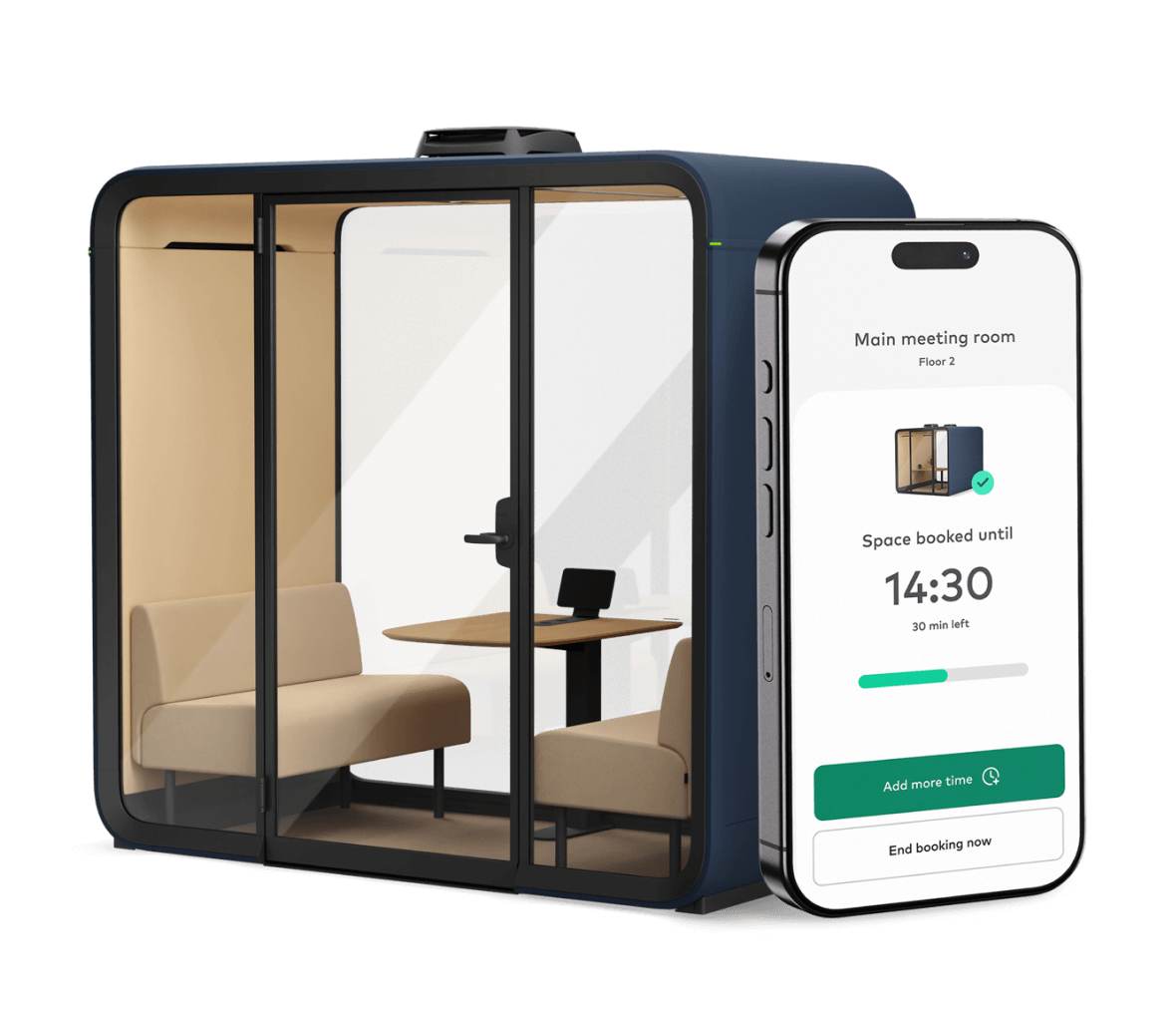
A dedicated room scheduling app like the Framery App™ allows you to manage your meetings through mobile app access – book rooms, receive reminders, and adjust reservations from anywhere.

Meeting room booking display enhances visibility and access
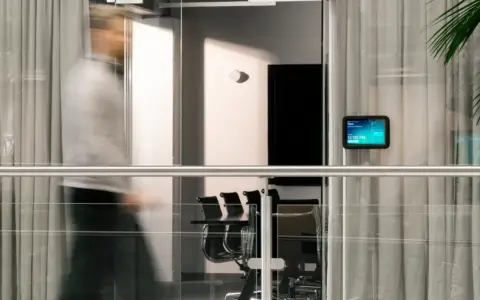
A meeting room booking tablet mounted outside each space provides immediate visibility into availability and upcoming reservations. These displays can be paired with the central meeting room booking system, and they reduce confusion and prevent accidental interruptions.
Framery Room Display™ is a smart room booking system that can be paired with your desired hardware. It’s a user-friendly, intuitive meeting room software that allows for touch-based interaction, instant booking, and calendar syncronization. Through the real-time display, team members can reserve, see, and adjust bookings.

Clear overview of available rooms with smart booking solutions
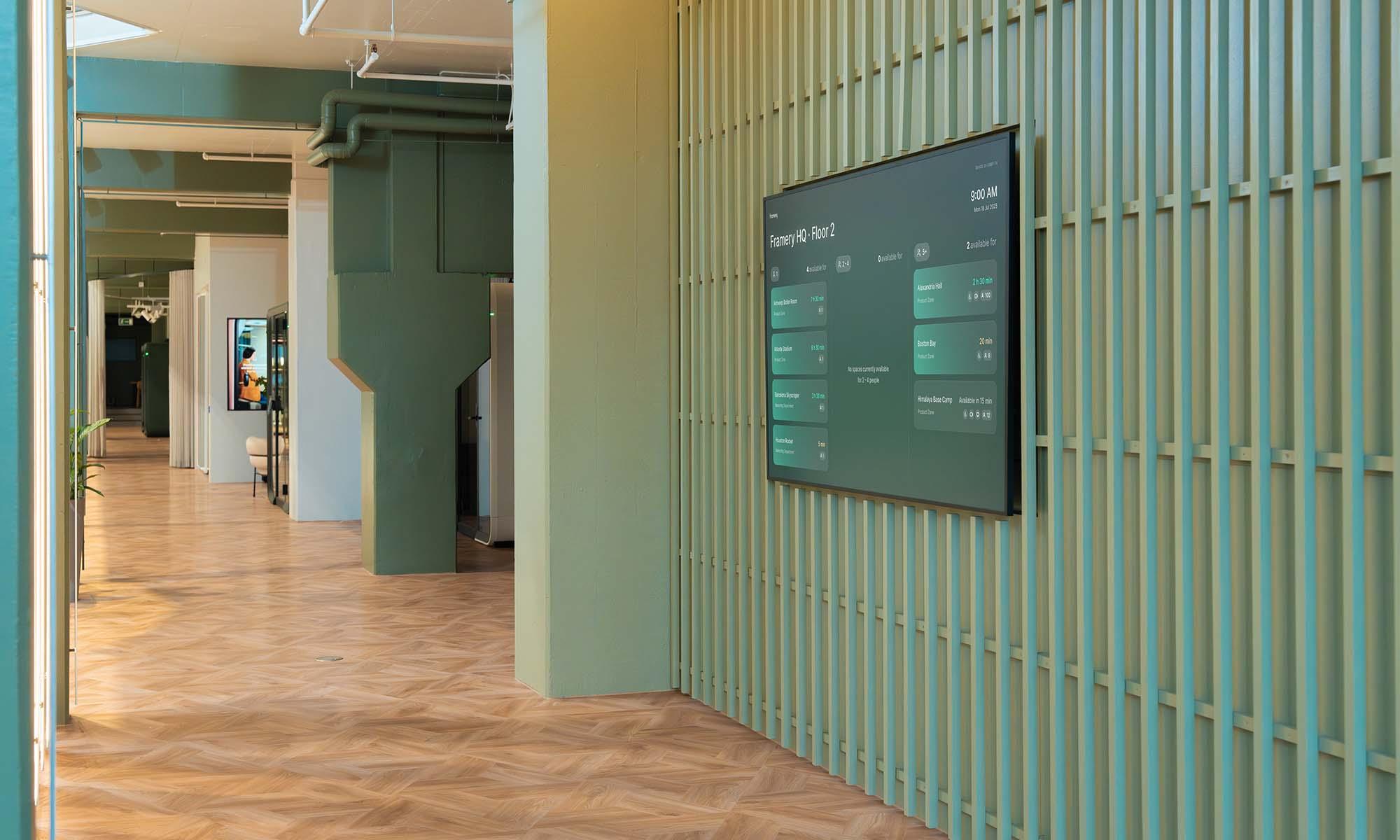
A smart meeting room booking system offers a quick way to find available spaces in strategic places. A real-time space overview software helps employees quickly locate available rooms nearby. The screens can be located, for example, in hallways, lobbies, and passages – high-traffic common spaces where they allow employees to have a clear view of available spaces at a glance.
Framery Space Overview™ is a dashboard-style meeting room scheduling system that provides a view of all bookable meeting spaces and their availability. It also provides essential details such as the space’s name, location, equipment, and capacity. It adapts to various screen sizes, allowing you to choose the right one for every purpose.

Connect smart pods seamlessly into your meeting room booking system
A smart meeting room booking system enables you to connect all meeting spaces and manage them through calendar integration. Smart systems provide real-time information about the availability of the office’s meeting spaces.
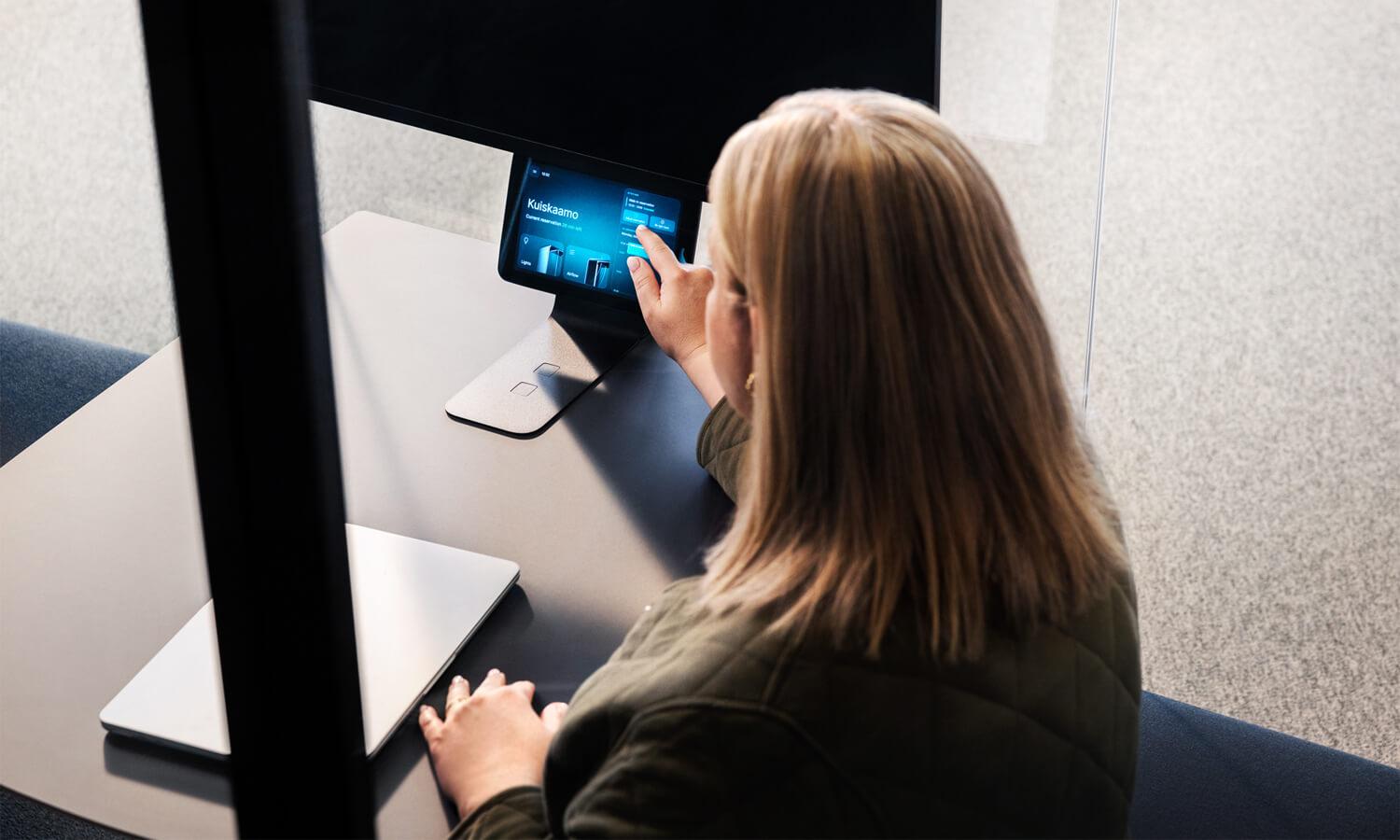
Framery smart pods feature an optional calendar integration for their built-in touchscreens. This integration enables users to book pods directly from their calendars, utilize automatic walk-in reservations, and check real-time availability, helping you to create a truly smart office. The intuitive interface allows users to view and adjust all pod bookings with a single touch, enhancing convenience and efficiency.
Considerations when choosing a room scheduling system
1. Functional requirements
Begin by identifying what you expect the room scheduling solution to achieve. Whether the goal is to prevent double bookings, manage hybrid schedules, or gather insights on room usage, clarity on key needs will guide your selection. Look for features such as real-time meeting room availability, mobile access, usage analytics, and instant confirmation capabilities.
2. System integration
Compatibility with your existing digital ecosystem is essential. A robust workspace booking app should integrate seamlessly with platforms like Microsoft 365 and Google Workspace. Bi-directional calendar synchronization ensures that room reservations are accurately reflected across employee and resource calendars, minimizing errors and confusion.
3. Scalability and adaptability
The chosen room scheduling software should scale easily as your workplace evolves, accommodating new meeting rooms, office pods, and hybrid work patterns. Whether your workspace is centralized or distributed, flexibility in deployment across devices (e.g., tablets, desktops, and mobile apps) is key to future-proofing the solution.
4. User experience
The system’s success depends on employee adoption. Choose a meeting room booking system that is intuitive, user-friendly, and accessible across platforms. A simple booking flow, whether via a meeting room booking system tablet, desktop interface, or mobile room scheduling app, will drive engagement and ensure the solution is used consistently.
Explore Framery room scheduling solutions
Efficient and smart meeting room booking with Framery
Framery’s industry-leading digital booking solutions are designed to remove friction from the meeting room booking experience.
- Framery App™: A mobile-first room scheduling app that lets users reserve pods and rooms from anywhere.
- Framery Room Display™: A tablet-style meeting room booking system that shows availability in real time.
- Framery Space Overview™: A scalable room scheduling solution for locating nearby available spaces with just a glance.
Together, they create a unified, efficient system that supports smarter workdays and a better office experience.
FAQ about meeting room booking
What is the best meeting room booking system?
The best system is the one that fits your company’s specific needs. Consider factors like your company size, budget, required features, and user experience. We recommend defining your requirements first, then evaluating options that meet those criteria.
Can I connect a meeting room booking solution with an existing calendar?
All Framery’s meeting room booking systems are designed to integrate directly with Microsoft 365 and Google Workspace. When a user books a room in the booking system, the event automatically appears on their personal calendar and the room’s calendar, and vice versa.
Can a meeting room booking system help manage hybrid work?
Absolutely. A room scheduling app is a vital tool for hybrid work. It gives employees the confidence to come into the office, knowing they can pre-book meeting rooms for focused work or collaboration. This eliminates the uncertainty of finding a suitable spot and provides an opportunity to improve productivity during workdays.
Do I need a booking system for my office pods?
While you can use office pods without a booking system, implementing one maximizes their value. A booking system ensures fair access for all employees, prevents conflicts, and eliminates the inefficiency of people searching for an available pod.
Published on
Explore more on this topic
-
devedis AG – Bern, Switzerland
Published on
-

GS1 – Budapest, Hungary
Published on
-

Datumstruct Solutions – Singapore
Published on
-

How Framery’s space booking tools are being used to improve the office experience
Published on
-

2night – Venice, Italy
Published on
-

Nordic Business Forum – Helsinki, Finland
Published on
-

Work pods help facilitate smooth coworking
Published on
-

CBRE Tokyo – Tokyo, Japan
Published on
-

Enhance workflows with smart office set up
Published on
Get started today
Design your own
Customize your pod and make it your own with our pod configurator.

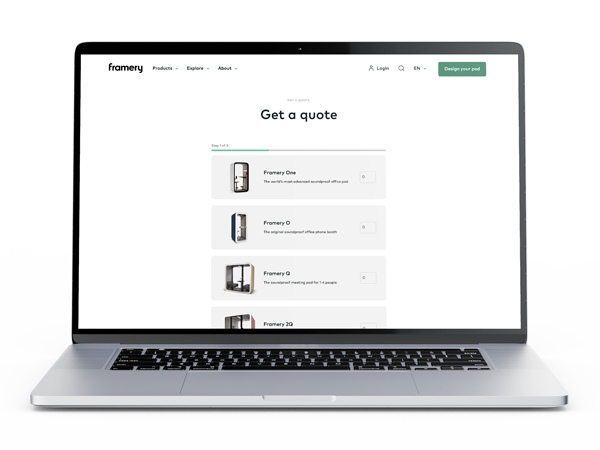
Get a quote
Find your nearest representative to hear about pricing and get a quote for your project.
Try a pod
Visit one of our global showrooms to try any of our Framery pods for yourself.